"This file format is not supported." Seeing this error with downloaded images? WebP and AVIF are modern, efficient formats—but many apps and older systems don't support them yet. Here's how to fix compatibility issues and when to convert.
Why WebP and AVIF Won't Open
The Root Cause: Missing Codec Support
WebP (Google, 2010) and AVIF (Alliance for Open Media, 2019) are newer image formats that require:
- Codec (decoder): Software to interpret the file
- Application support: Image viewers/editors that implement the codec
Where compatibility fails:
- ❌ Windows Photo Viewer (Windows 7-10)
- ❌ Older Photoshop versions (pre-2021)
- ❌ Microsoft Office (PowerPoint, Word)
- ❌ Legacy browsers (IE11, old Edge)
- ❌ Some mobile apps and social media platforms
Quick Fix: Convert to PNG or JPG
When to Convert (Instead of Adding Support)
- ✅ Need to open file right now (fastest solution)
- ✅ Sharing with non-technical users
- ✅ Uploading to platforms that don't support WebP/AVIF
- ✅ Editing in older software (Photoshop CS6, GIMP without plugins)
- ✅ Work computer with restricted software installs
How to Convert
Option 1: Online Converter (Fastest)
- WebP to PNG Converter — Preserves transparency
- WebP to JPG Converter — Smaller file size
- AVIF to PNG Converter — Full quality
Option 2: Browser Trick (No Tools)
- Drag WebP/AVIF file into Chrome or Firefox (they support it)
- Right-click image → "Save Image As..."
- Change file type to PNG in save dialog
Note: This may not work in all browsers; quality depends on browser implementation.
Option 3: Paint.NET / GIMP (Free Software)
- Install Paint.NET (Windows) or GIMP (all platforms)
- Install WebP/AVIF plugin:
- Paint.NET: WebP plugin
- GIMP: Install
gimp-webpplugin
- Open WebP/AVIF → File → Export As → Choose PNG or JPG
Adding Native Support (Windows)
Method 1: Install Codec Pack (Easiest)
For Windows 10/11:
- Download WebP Codec for Windows
- Run installer (requires admin rights)
- Restart File Explorer (or reboot)
- WebP files now open in Windows Photos app
For AVIF support:
- Open Microsoft Store
- Search for "AV1 Video Extension"
- Install (free, official Microsoft extension)
- AVIF images now work in Windows 11 (Windows 10 requires 21H2+)
Method 2: Use a Modern Image Viewer
Free viewers with WebP/AVIF support (2026):
| App | WebP | AVIF | Platform |
|---|---|---|---|
| IrfanView | ✅ (with plugin) | ✅ (with plugin) | Windows |
| XnView MP | ✅ | ✅ | Windows, macOS, Linux |
| Nomacs | ✅ | ✅ | Windows, macOS, Linux |
| Windows 11 Photos | ✅ (built-in) | ✅ (with extension) | Windows 11 |
| Preview (macOS) | ✅ (macOS 11+) | ✅ (macOS 13+) | macOS |
Browser Compatibility (2026)
WebP Support
✅ Supported in:
- Chrome 32+ (2014)
- Firefox 65+ (2019)
- Edge 18+ (2018)
- Safari 14+ (2020)
- Opera 19+ (2014)
❌ Not supported: IE11 (obsolete)
By 2026, WebP has 97%+ global browser support.
AVIF Support
✅ Supported in:
- Chrome 85+ (2020)
- Firefox 93+ (2021)
- Edge 121+ (2024)
- Safari 16.4+ (2023)
- Opera 71+ (2020)
⚠️ Still catching up (~90% support in 2026)
Editing Software Support
Adobe Photoshop
- WebP: Photoshop 23.2+ (2022) — built-in
- AVIF: Not natively supported (use plugin or convert first)
For older Photoshop versions: Install WebPShop plugin
GIMP
- WebP: GIMP 2.10+ (built-in)
- AVIF: Install
libheifplugin
Affinity Photo
- WebP: Version 2.0+ (2022)
- AVIF: Not yet (as of 2026)
Social Media & Platforms
| Platform | WebP Upload | AVIF Upload | Notes |
|---|---|---|---|
| ⚠️ Auto-converts to JPG | ❌ | Upload PNG instead | |
| Twitter/X | ✅ Accepts WebP | ❌ | — |
| ✅ | ⚠️ Testing | — | |
| ✅ | ❌ | — | |
| Discord | ✅ | ✅ | Full support |
| ✅ | ❌ | — |
Best practice for social media: Convert to PNG or JPG before upload to avoid auto-conversion quality loss.
When to Use WebP/AVIF vs PNG/JPG
Use WebP/AVIF When:
- ✅ On your website (with fallbacks for old browsers)
- ✅ Modern app development (React, Vue, mobile apps)
- ✅ Performance matters (faster load times, smaller size)
- ✅ You control the platform (know support is available)
Use PNG/JPG When:
- ✅ Sharing with unknown recipients (email attachments, etc.)
- ✅ Uploading to social media (avoid recompression)
- ✅ Legacy software required (old Photoshop, Office)
- ✅ Print materials (printers expect JPG/PNG/TIFF)
- ✅ Maximum compatibility needed
Batch Converting Multiple Files
Windows: PowerShell Script
# Convert all WebP files in folder to PNG
Get-ChildItem *.webp | ForEach-Object {
  $output = $_.BaseName + ".png"
  # Use online converter API or install imagemagick
  magick convert $_.FullName $output
}
macOS/Linux: ImageMagick
# Install imagemagick
brew install imagemagick  # macOS
sudo apt-get install imagemagick  # Linux

# Convert all WebP to PNG
for file in *.webp; do
  convert "$file" "${file%.webp}.png"
done
Online Batch Converter
Use our WebP to PNG converter — supports drag-and-drop of multiple files with parallel processing.
FAQ: WebP/AVIF Compatibility
Why do websites serve WebP/AVIF if not all users can view them?
Websites use progressive enhancement—serving WebP/AVIF to modern browsers (97%+ of users), with automatic fallback to JPG/PNG for older browsers. This is done via <picture> elements or server detection.
Can I just rename .webp to .jpg to fix it?
No. File extension doesn't change the format—you'll still get "unsupported format" errors. You must properly convert the file.
Does converting WebP to JPG lose quality?
Related Articles
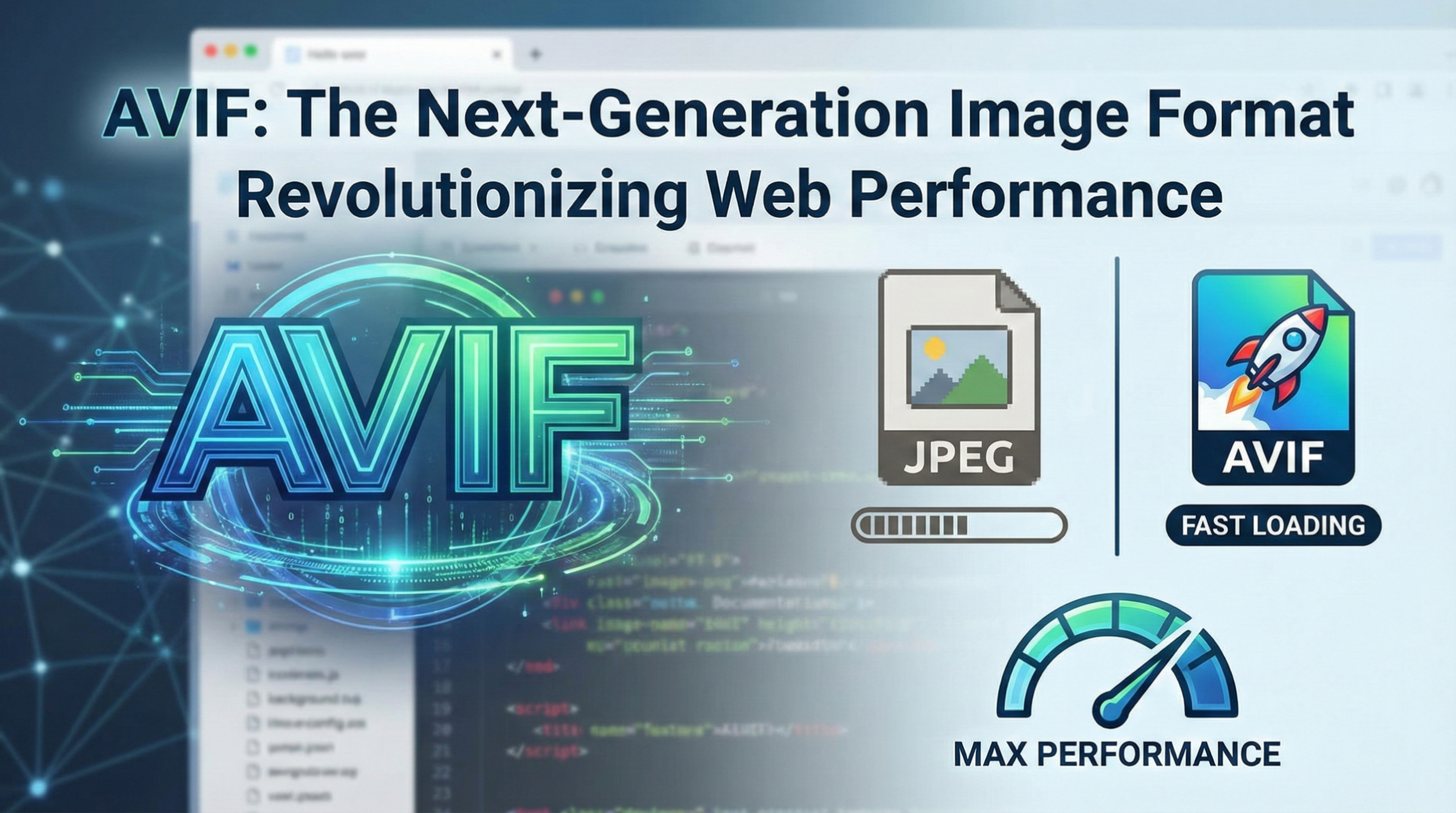
- The Modern AVIF Format: Everything You Need to Know - Deep dive into AVIF image format
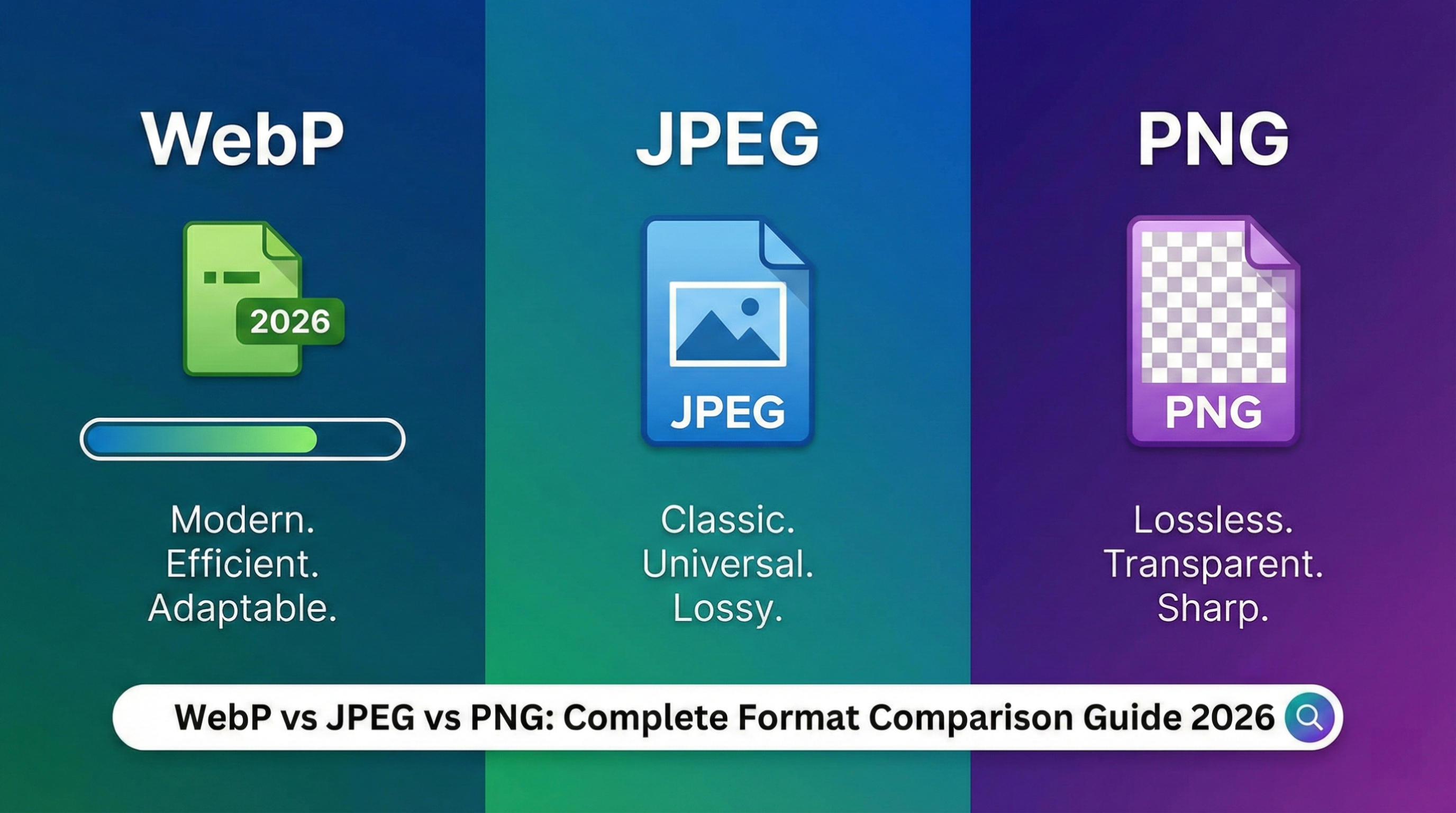
- WebP vs JPEG vs PNG: Complete Format Comparison - Understand different image format trade-offs
- SVG to Data URI (2026): Optimize Web Graphics - Alternative web image optimization technique
- Base64 to PNG (2026): Convert Image Data - Another image format conversion guide
- Image Compression Quality Guide - Tune quality vs file size for better compatibility
Minimal loss if done correctly. Save at 90-95% quality to maintain visual fidelity. Converting to PNG is lossless (no quality loss).
Will AVIF replace WebP?
Unlikely in the near term. WebP is more established, but AVIF offers better compression. Both will coexist, with websites serving AVIF → WebP → JPG fallbacks.
How do I download images as JPG instead of WebP from Google?
Google Images serves WebP to supported browsers. Use a browser extension like "Save image as PNG" or convert after download. Or disable WebP in browser flags (unreliable).
Related Tools
- WebP to PNG — Preserve transparency
- WebP to JPG — Smaller file size
- AVIF to PNG — Full quality
- PNG to WebP — Optimize for web
- JPG to WebP — Reduce bandwidth
Conclusion
WebP and AVIF won't open on many systems because they're newer formats lacking universal codec support. The fastest fix is converting to PNG (lossless, preserves transparency) or JPG (smaller size) using our online converters or modern image viewers. For long-term compatibility, install codec packs or upgrade to Windows 11 / macOS 13+. WebP and AVIF are the future of web images—but for sharing, editing, and printing, PNG and JPG remain the safe, universal choice in 2026.