Fast & Secure Online File Converter (No Account Required)
Convert PDF, Images, and Documents in seconds with qconvert.me.
🔒 SSL Encrypted
🚫 No Logs Kept
⚡ Instant Conversion
Experience privacy-first conversion with our client-side processing engine that delivers high-quality output every time. Convert images, documents, and videos instantly with our free online file converter - no registration, no account required. SSL encrypted connection ensures your security, and we keep absolutely no logs of your files or activity.
How to Convert Files Online in 3 Simple Steps
- Select Conversion Type: Choose your desired format (JPG to PDF, PNG to WebP, etc.). No account required.
- Upload Your File: Drop or click to upload. Files processed locally - no logs kept.
- Download Result: Conversion completes in seconds. Download your high-quality file instantly.
Why Choose qconvert.me?
- 🔒 SSL Encrypted & Secure: All connections are SSL encrypted. Your data is transmitted securely with no logs kept of your files or conversion activity.
- Privacy-First Conversion: Your files are processed with complete privacy. We prioritize your data security with client-side processing that keeps your files on your device.
- ⚡ Zero-Lag Performance: Conversions start within 200ms of file upload. Optimized for Core Web Vitals with instant response times.
- Client-Side Processing: Run file conversion directly in your browser for fast, efficient transformations without compromising on quality.
- High-Quality Output: Our advanced algorithms ensure your converted files maintain exceptional quality with optimized compression and formatting.
- No Account Required: Start converting immediately - no sign-up, no registration, no account creation necessary. Fast & secure access to all features.
- 28+ Conversion Formats: Convert between popular image formats (JPG, PNG, WebP, BMP, GIF), documents (PDF), vector graphics (SVG), and videos (MP4 to GIF).
- Fast & Free: No file size limits. Convert unlimited files instantly without any cost. Lightning-fast conversion speeds.
- Multi-Language Support: Available in English, Arabic, Spanish, French, German, Hindi, Chinese, and Portuguese.
Supported Conversions
PDF Conversions: Convert images to PDF instantly - JPG to PDF, PNG to PDF, WebP to PDF. Create professional PDFs from your images with high-quality output.
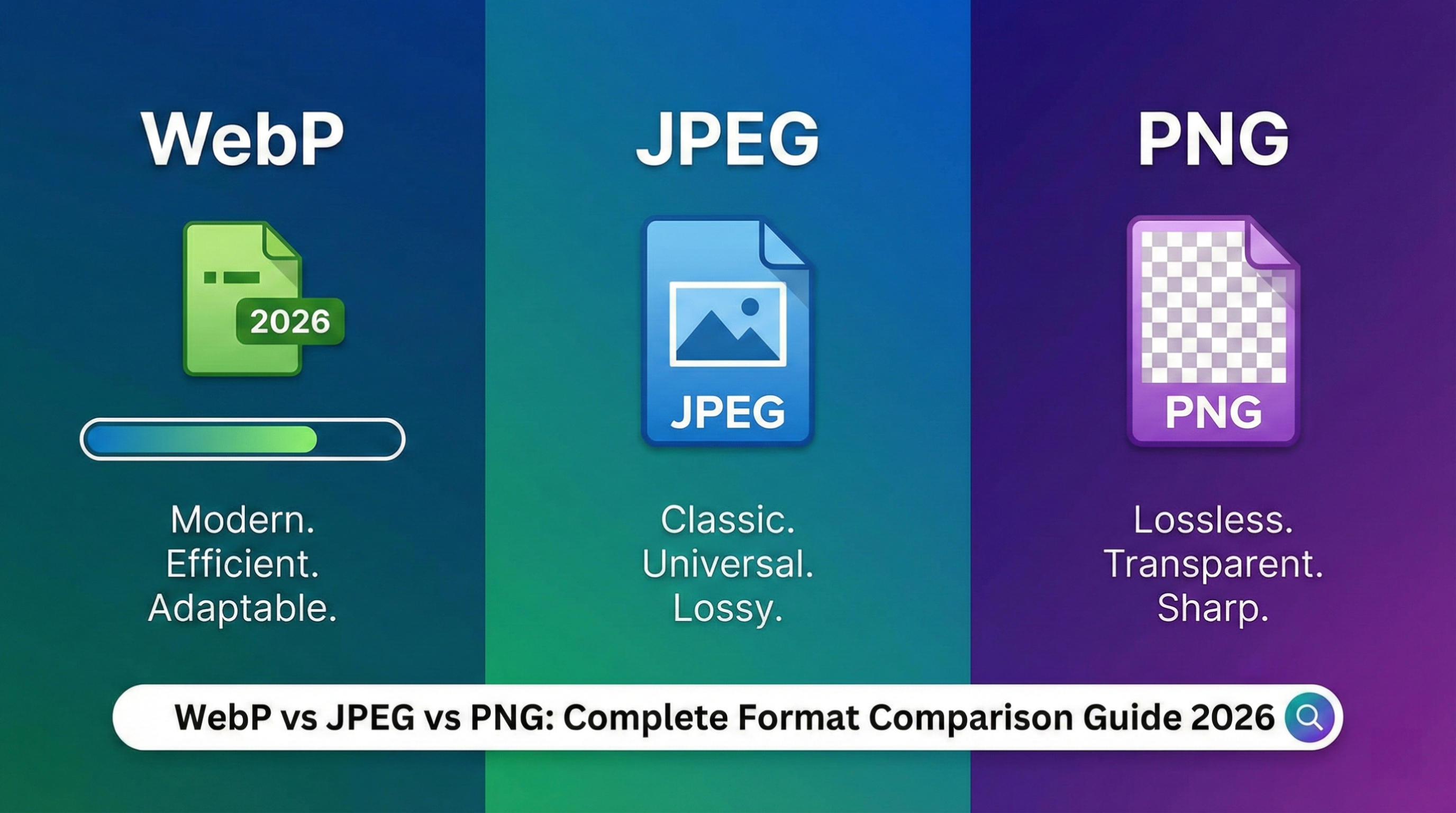
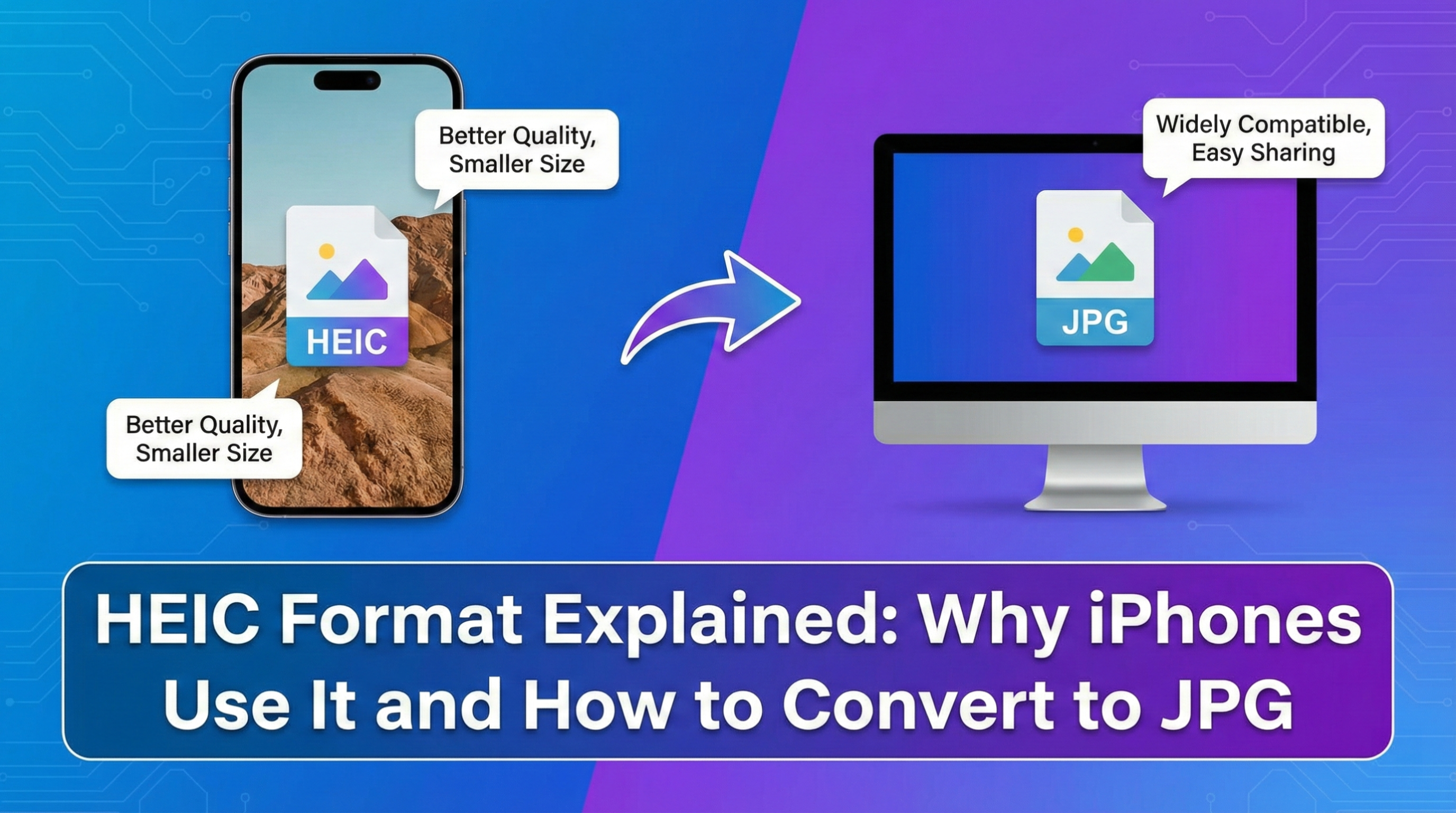
Image Conversions: JPG to PNG, PNG to WebP, WebP to JPG, GIF to PNG, BMP to JPG, and many more image format conversions with privacy-first processing.
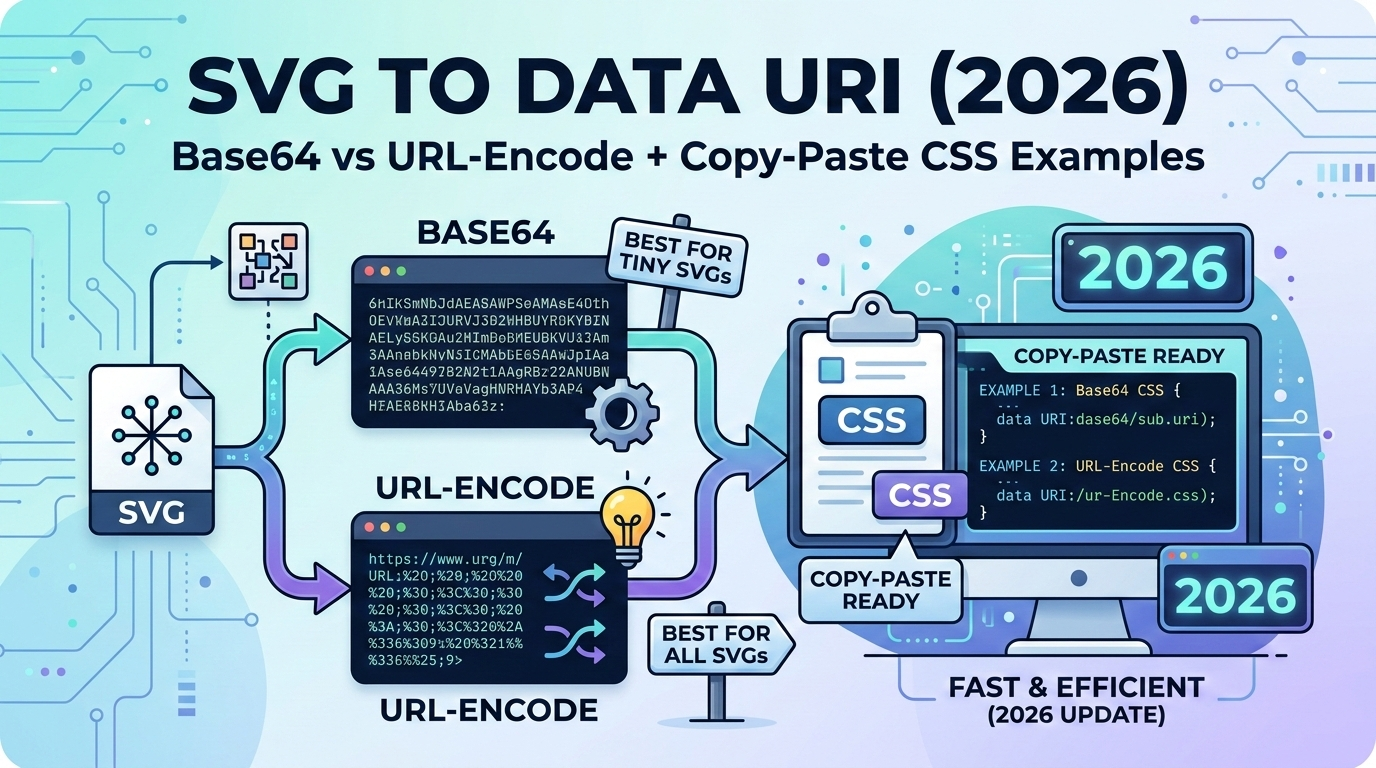
SVG Conversions: Convert raster images to scalable vector graphics: JPG to SVG, PNG to SVG, WebP to SVG for perfect scaling.
GIF Creation: Convert MP4 videos to animated GIFs with customizable settings using our client-side processing.
This application requires JavaScript to function. Please enable JavaScript in your browser settings for the best experience.